Nintendo Switch 2's Handheld Mode Boost Is Here: Time to Replay Your Old Favourites
Nintendo's done it again, eh? Just when you think your shiny new Switch 2 has shown you all its tricks, they quietly drop a software update that fundamentally changes how you play. Yesterday's bump to firmware version 22.0.0 wasn't just another "general system stability improvements" affair. Buried deep in the patch notes is the feature we didn't know we desperately needed: a bona fide handheld mode boost for Switch 1 titles.
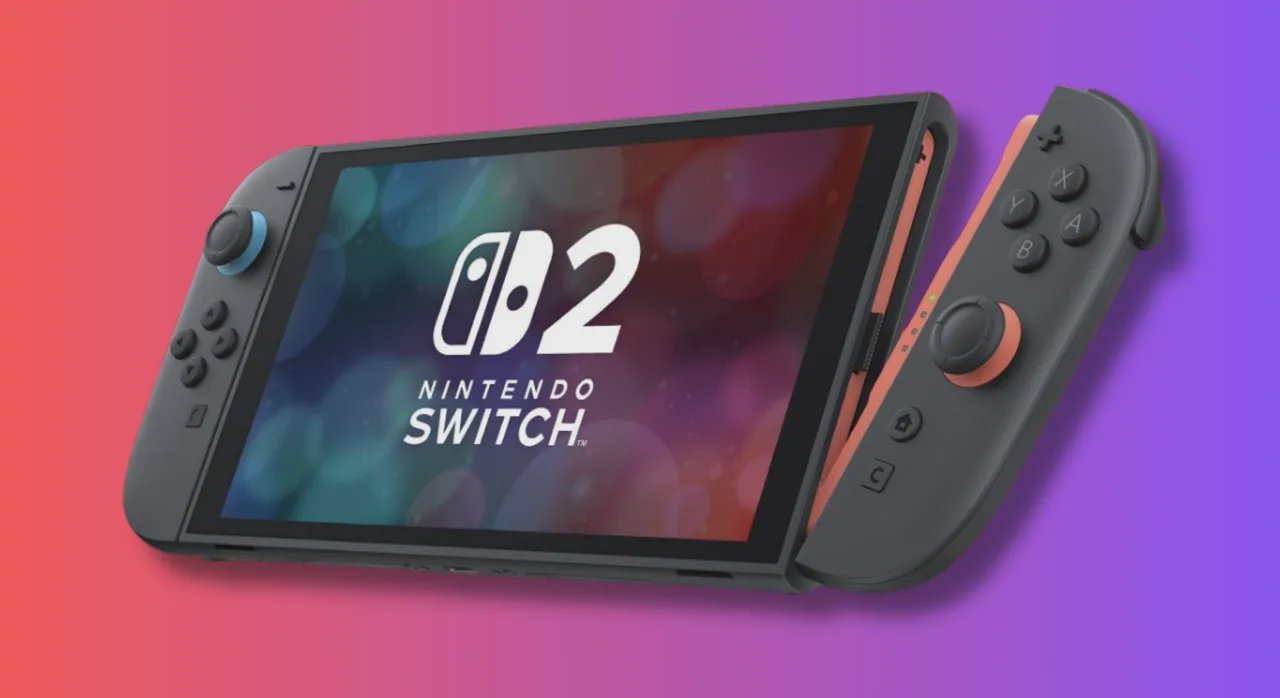
What Exactly Is This 'Boost'?
In plain English, flicking this switch tells your Switch 2 to treat your old games as if they're sat in the dock, even when you're curled up on the couch in handheld mode. That means you're effectively unlocking the higher clock speeds and extra oomph normally reserved for your TV, pushing those pixels on the console's brilliant 1080p screen. We're talking sharper image quality, steadier frame rates, and a whole new lease on life for your backlog.
I've been hammering Doom Eternal since the update dropped, and the difference is night and day. It's sharp, fluid, and finally looks like the demon-slaying powerhouse it was always meant to be, even when you're not tethered to an outlet. It's the kind of visual uplift that makes you do a double-take.
How to Unleash the Power (It's Easy)
Nintendo hasn't exactly plastered this feature on the home screen, so you'll need to go digging. Here's the quick route to gaming nirvana:
- Step 1: Head to System Settings from the HOME Menu.
- Step 2: Scroll down and select System.
- Step 3: Find and select Nintendo Switch Software Handling.
- Step 4: Toggle the Handheld Mode Boost option to 'On'.
And that's it. Once it's on, it'll apply to any compatible Switch 1 software you boot up in handheld or tabletop mode. You can always dive back in and turn it off if you fancy a change.
The Catch? Battery Life, Obviously
Of course, there's no such thing as a free lunch. Forcing the console to run in its higher-power state while you're on the go will absolutely guzzle battery life. If you're on a long train ride from Toronto to Montreal, you might want to keep it switched off to stretch those precious hours. It's a simple trade-off: visual fidelity versus playtime.
Nintendo also puts a little disclaimer in there, noting that because the system thinks it's docked, some on-screen prompts might get a bit confused—like telling you to detach the Joy-Con 2 when you obviously can't. In my testing, it's a minor quirk and doesn't hinder actual gameplay. The touchscreen might also act up in some titles, but it's a small price to pay for the performance bump.
More Than Just a Boost
Version 22.0.0 isn't a one-trick pony. It also polishes up GameChat with better screen sharing quality and the ability to drag friends into a chat, even if they haven't finished setting things up. You can now leave private notes on your buddies' profiles (handy for remembering who's who in your raiding crew), and there are new video playback controls in the News and eShop sections.
So, go on then. Fire up your Switch 2, grab that update, and take your dusty old Breath of the Wild cartridge for a spin. You might just feel like you're playing it for the first time, all over again. Is the visual upgrade worth the extra battery drain for your daily commute? I reckon so, eh.